
Finish a take, or turn it into a new one.
Upscale the keeper for delivery, restyle a shot for another look, swap the character or move the motion to a new scene. Every step is priced before it runs.

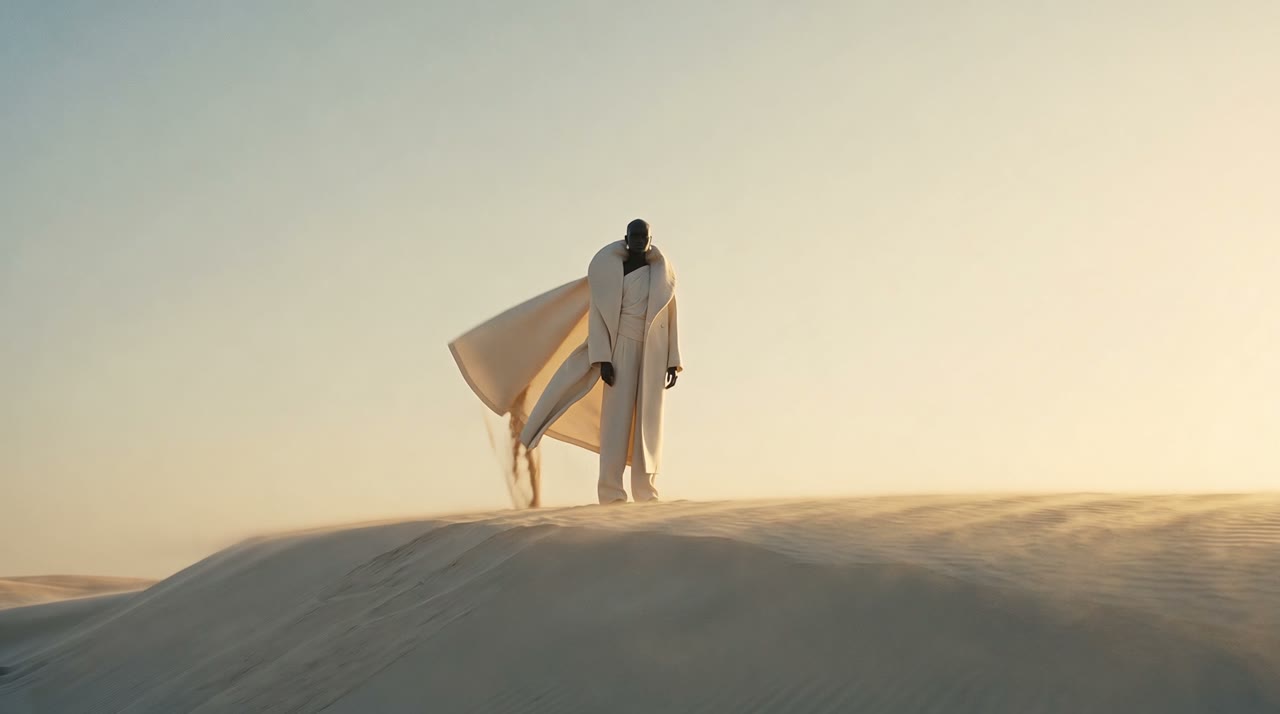
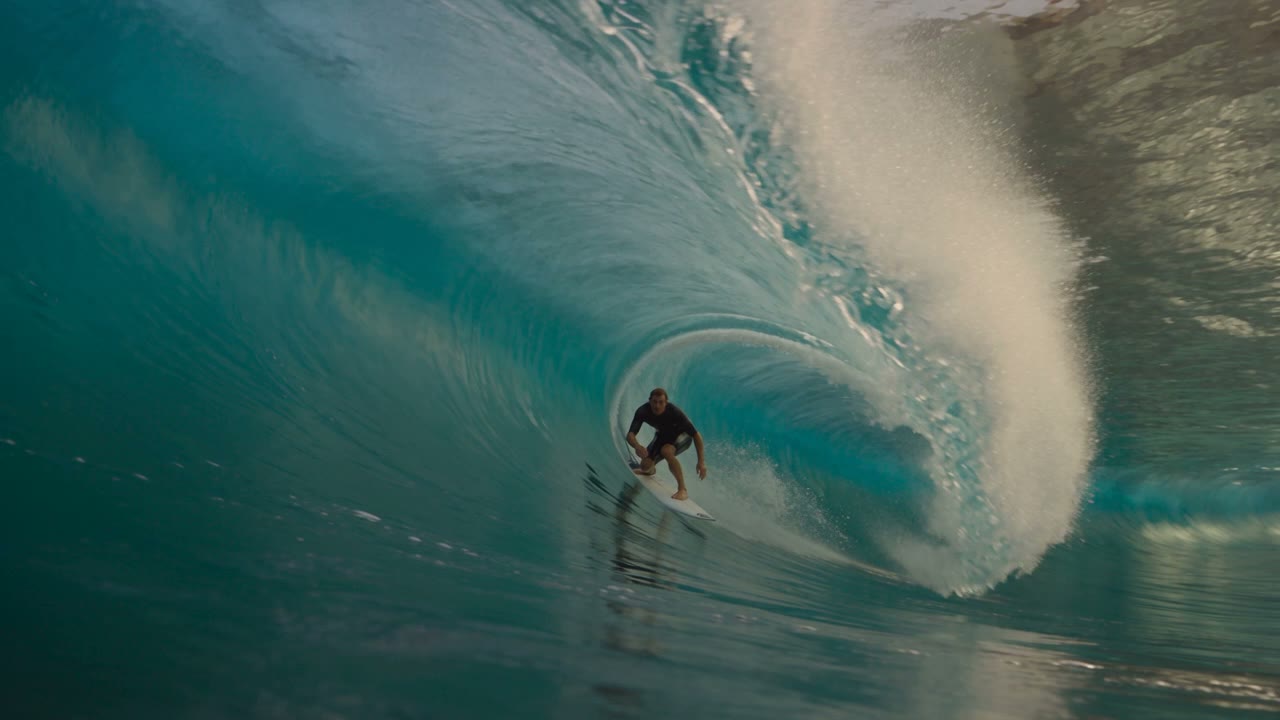
Amit kapsz, generálásról generálásra.
Upscale for delivery
Take an approved shot to a higher resolution while keeping its timing.
Restyle and swap
Change the style of a shot or swap the character while the camera move stays.
From the take page
Every finished take offers these next steps with their price, one click away.
Kezdd ezekkel, a Solo csomag árain.
Upscale an uploaded video with Proteus to the chosen resolution at 24 fps.
Apply a chosen visual style to a 4-15s source clip.
Rebuild a 4-15s source clip using new references while preserving its movement and framing.
Három lépés.
- 01
Pick the take
Open a finished take in your library.
- 02
Choose the step
Upscale, restyle, swap or remix, with the price shown.
- 03
Compare
The new take sits next to the source, both with their records.
- Pontos ár minden generálás előtt
- Visszatérítve, ha nem érkezik fájl
- Projektek kemény plafonokkal
- Működik a Claude Code, Codex és Cursor alatt
Kérdések
Does upscaling change the motion?
No. Video upscaling keeps the timing of the source shot and adds resolution and detail.
Do I see the price before a take runs?
Yes. Every take shows its exact price next to the button, on the best-value route for that model and setting. Nothing is charged when no file lands.
Árazd be a következő generálásodat, mielőtt futtatod.
Minden generálás előbb mutatja a pontos árat, egy projektbe kerül, és visszatérül, ha nem érkezik fájl.