
3D models from a sentence or a photo.
Props for the set, products for the store and assets for the game, as textured GLB files you can turn, check and download. Each run shows its exact price first.
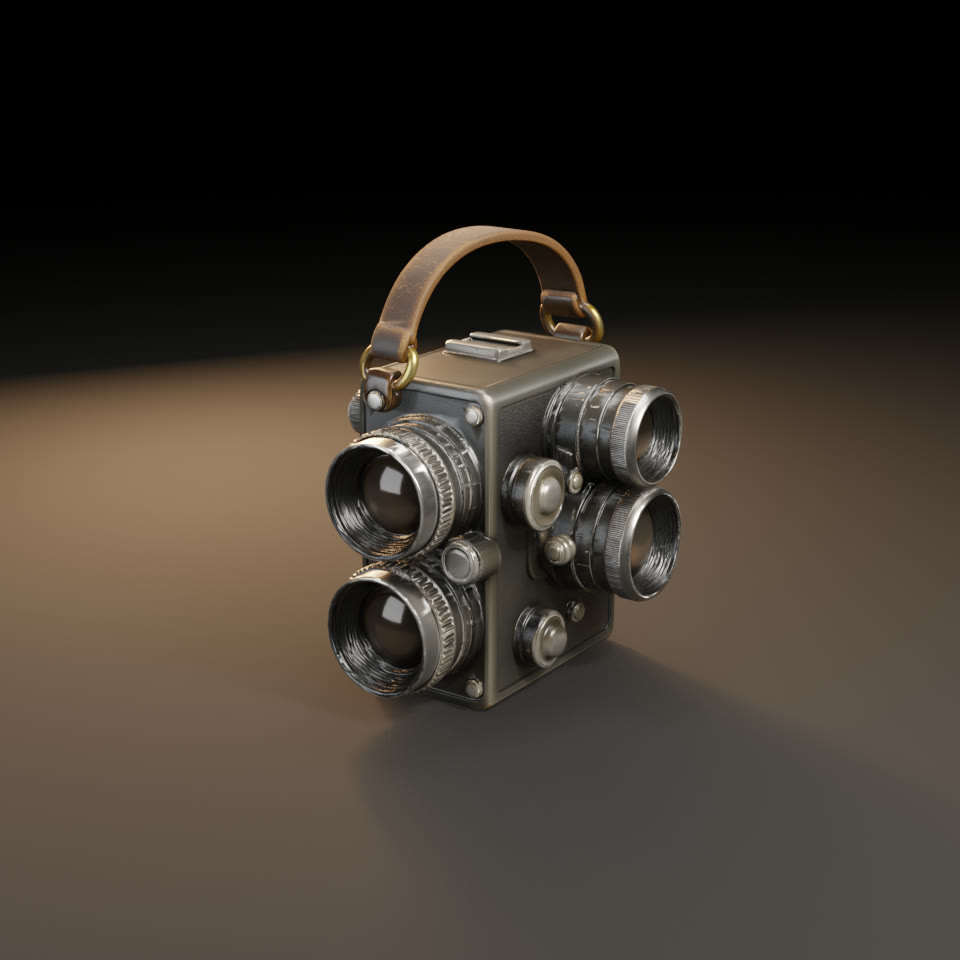
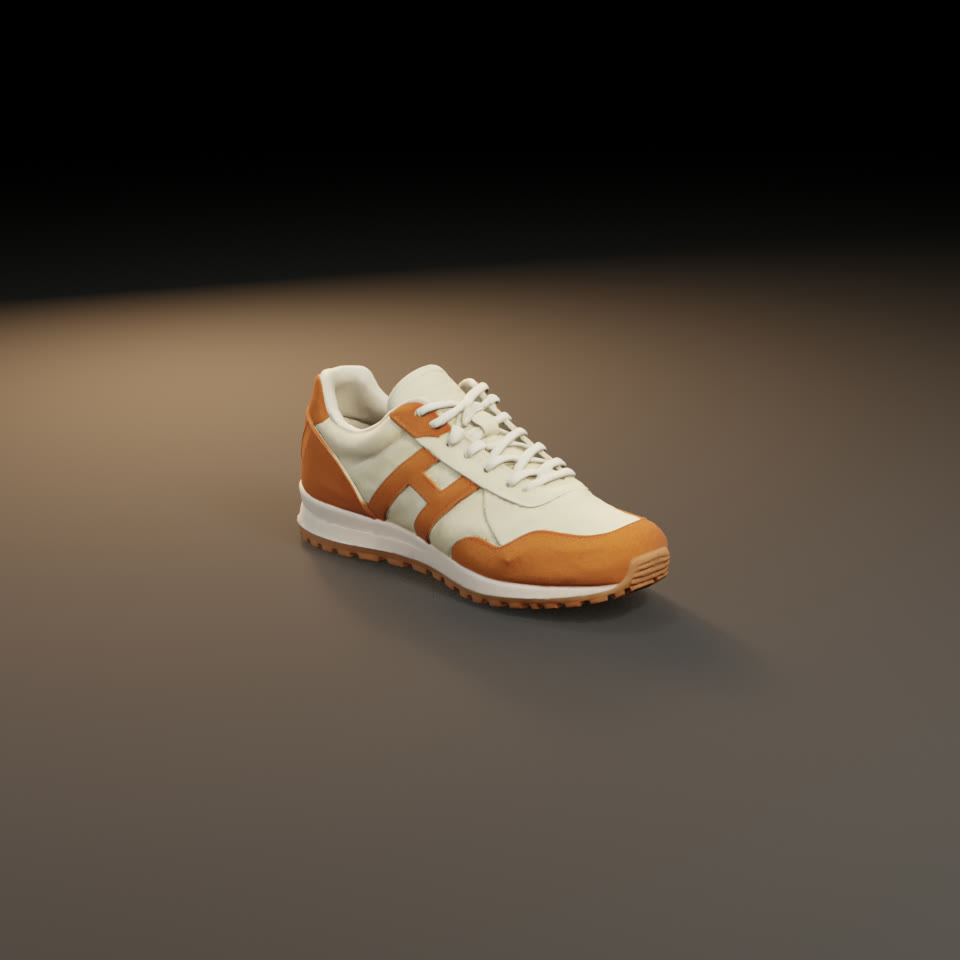
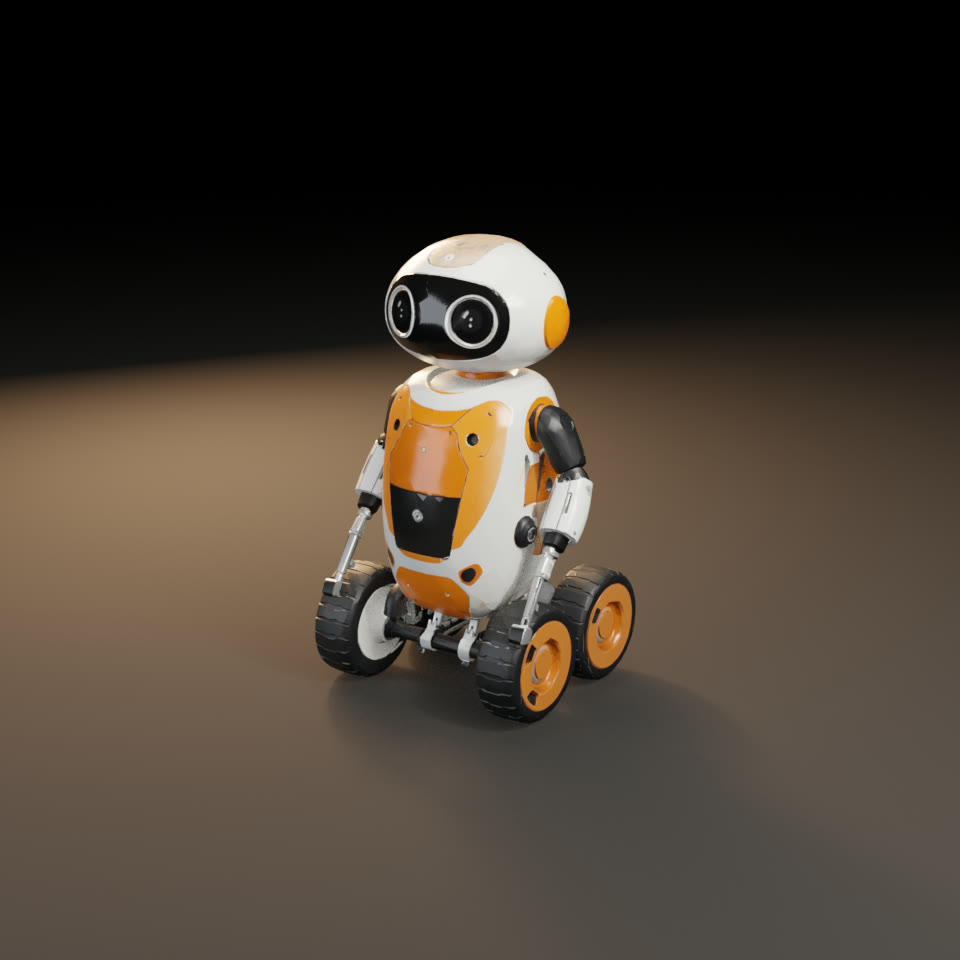
Ce primiți, generare după generare.
Text or one image
Describe the object, or start from a still you already approved, and get a mesh with its textures.
Look before you download
Every 3D take opens in a viewer in your library: turn it, zoom in, check the back.
Files that open anywhere
A GLB with PBR materials, plus a ZIP with the files the provider returned.
Începeți cu acestea, cu prețuri pe planul Solo.
Trei pași.
- 01
Pick the model
Detailed models such as Hunyuan3D and Tripo H3.1, or low-poly game assets with Tripo P1.
- 02
Describe or upload
Write what the object is made of and how it looks, or add one clean image of it.
- 03
Turn it, then use it
Check it in the viewer, then download the GLB for Blender, Unity, Unreal or the web.
- Preț exact înainte de fiecare generare
- Rambursat dacă nu sosește niciun fișier
- Proiecte cu plafoane stricte
- Funcționează cu Claude Code, Codex și Cursor
Întrebări
Which file formats do I get?
A GLB with its textures embedded, which opens in Blender, Unity, Unreal and on the web, plus a ZIP with the files the provider returned.
How is a 3D model priced?
Each 3D model is priced from its exact inputs, such as textures or the face count, and the quote is shown before it runs. Nothing is charged when no file lands.
Can my agent run this?
Yes. Connect Claude Code, Codex or Cursor over MCP, or call the API. Your agent sees the same price, keeps to the same project caps and asks before anything above your threshold.
Stabiliți prețul următoarei generări înainte să o rulați.
Fiecare generare arată prețul exact mai întâi, ajunge într-un proiect și se rambursează dacă nu sosește niciun fișier.