
Your film, shot by shot, on every model.
Use the model that suits each shot: one for motion, one for dialogue, one for the wide. Keep your characters consistent across scenes and see what every take costs before you run it.
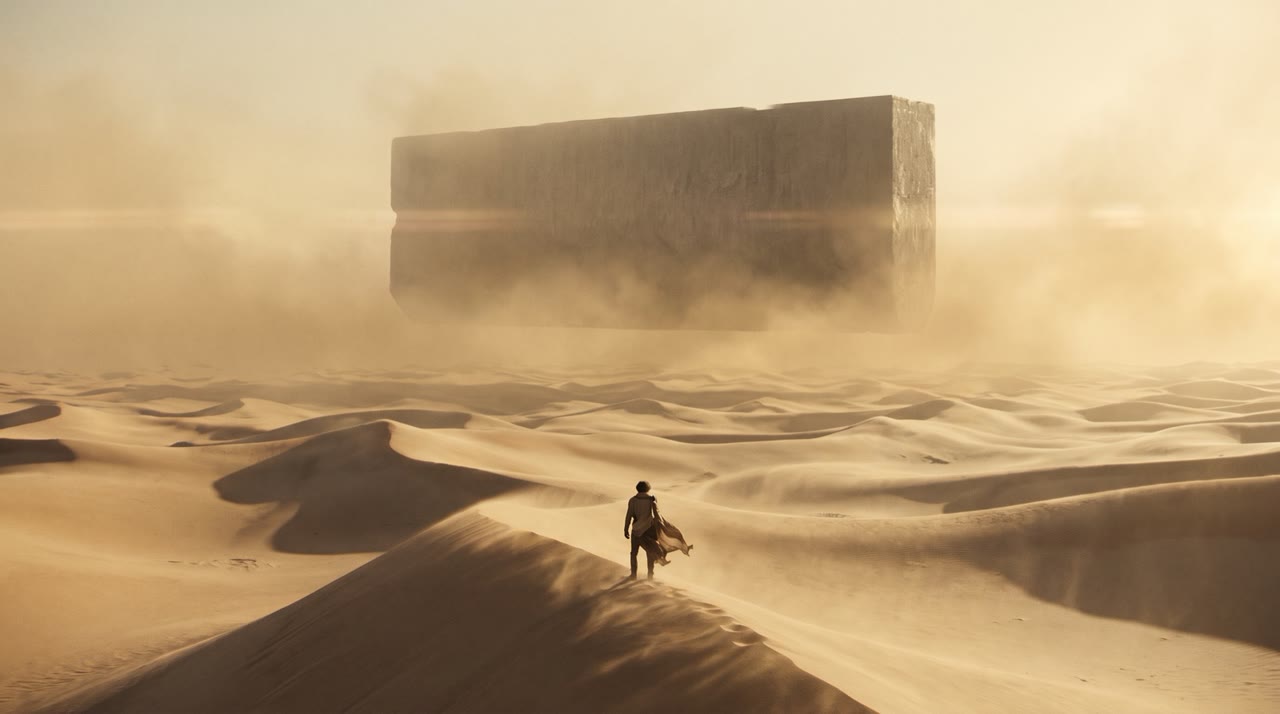
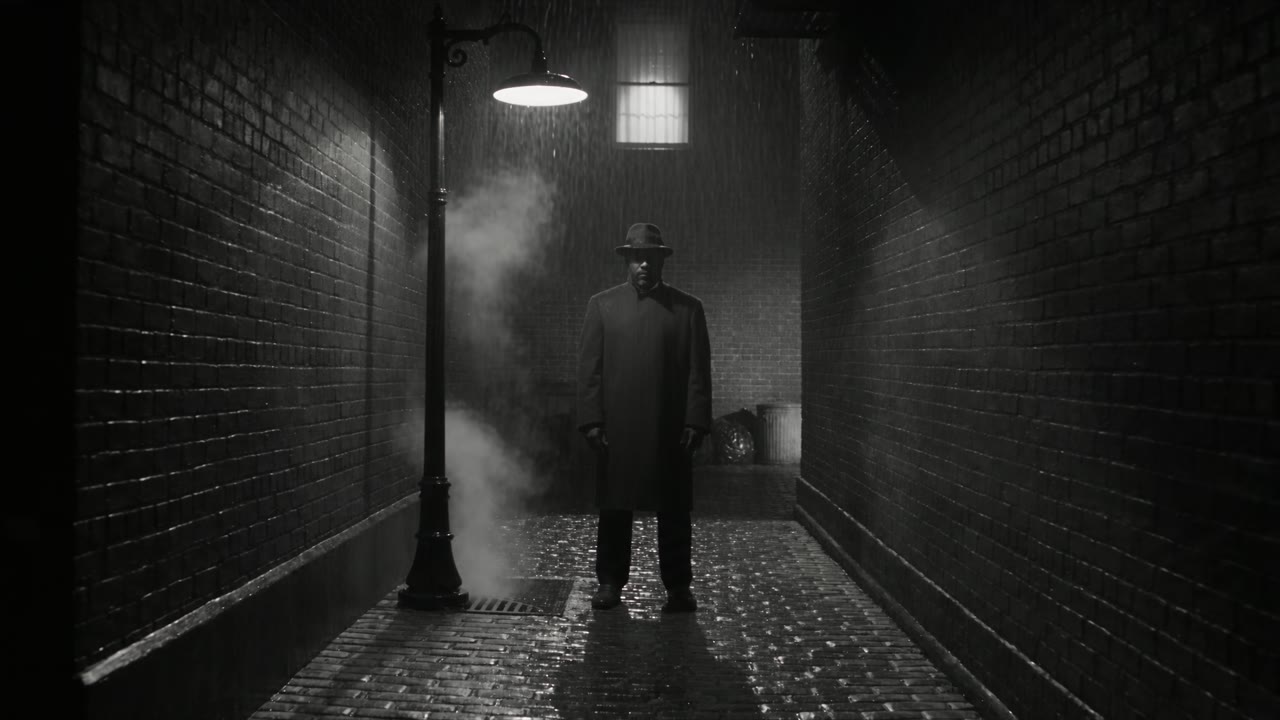
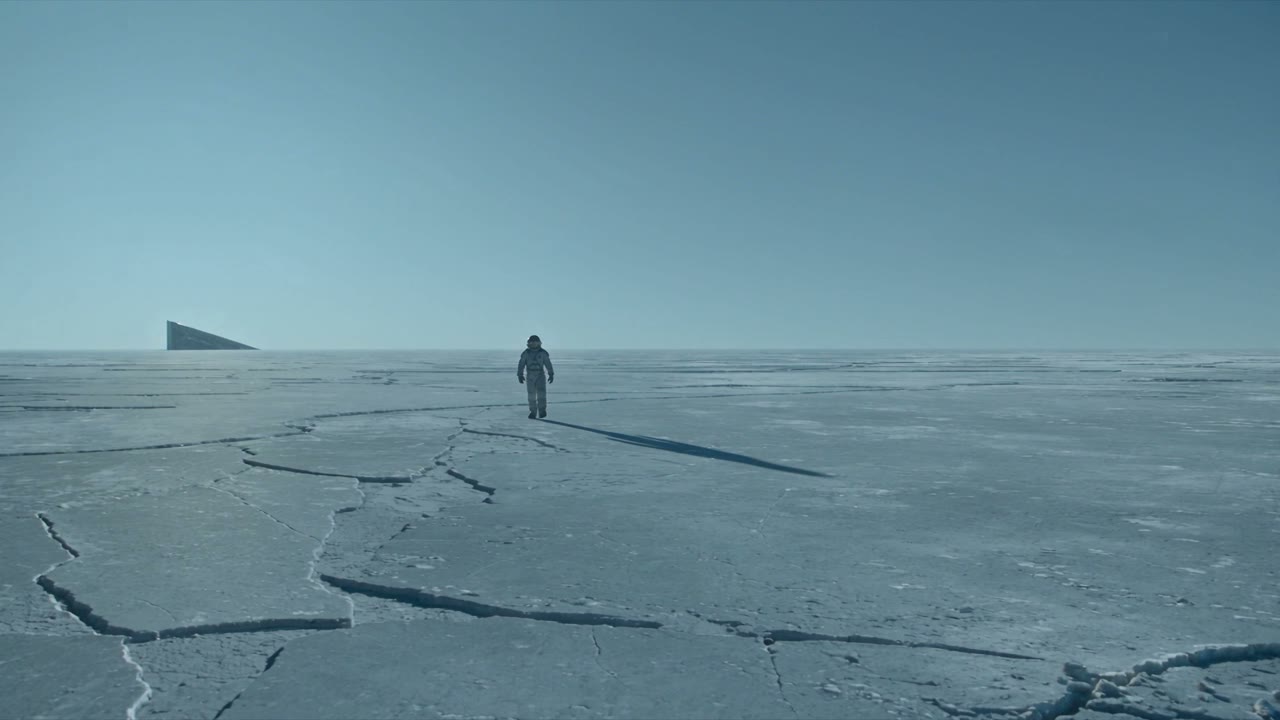
생성할 때마다 얻는 것.
Every model per shot
Seedance for motion, Veo for lines with native sound, Kling for steady camera work. Switch per take, not per subscription.
Characters that hold
Save a character as an element and use it as the reference across shots and scenes.
Draft, then finish
Explore cheaply in low resolution, then finish the chosen take in full quality on the same prompt.
A record of every frame
Prompt, model, settings and price stay with each take, so you can rebuild any shot later.
이것들부터 시작하세요. Solo 요금제 기준 가격입니다.
The workhorse. Multishot, references, up to 30 seconds.
Characters and products that stay consistent across shots.
Top realism with native dialogue and sound.
Physical motion and action in 2K.
세 단계.
- 01
Lock your characters
Generate or upload reference stills and save them as elements.
- 02
Shoot the scene
Run each shot on the model that suits it, with your elements as references.
- 03
Finish and export
Finish the approved takes and download them with the take ID in the file name for the edit.
- 생성할 때마다 실행 전 정확한 가격
- 파일이 도착하지 않으면 환불
- 확정 상한이 있는 프로젝트
- Claude Code, Codex, Cursor와 함께 사용 가능
질문
Which AI video model should I use for a shot?
It depends on the shot. Each model page lists what it does well, its samples and its current price per second.
Do I see the price before a take runs?
Yes. Every take shows its exact price next to the button, on the best-value route for that model and setting. Nothing is charged when no file lands.
Can my agent run this?
Yes. Connect Claude Code, Codex or Cursor over MCP, or call the API. Your agent sees the same price, keeps to the same project caps and asks before anything above your threshold.
다음 생성을 실행하기 전에 가격을 확인하세요.
모든 생성은 먼저 정확한 가격을 보여 주고, 프로젝트에 기록되며, 파일이 도착하지 않으면 환불됩니다.