
3D models from a sentence or a photo.
Props for the set, products for the store and assets for the game, as textured GLB files you can turn, check and download. Each run shows its exact price first.
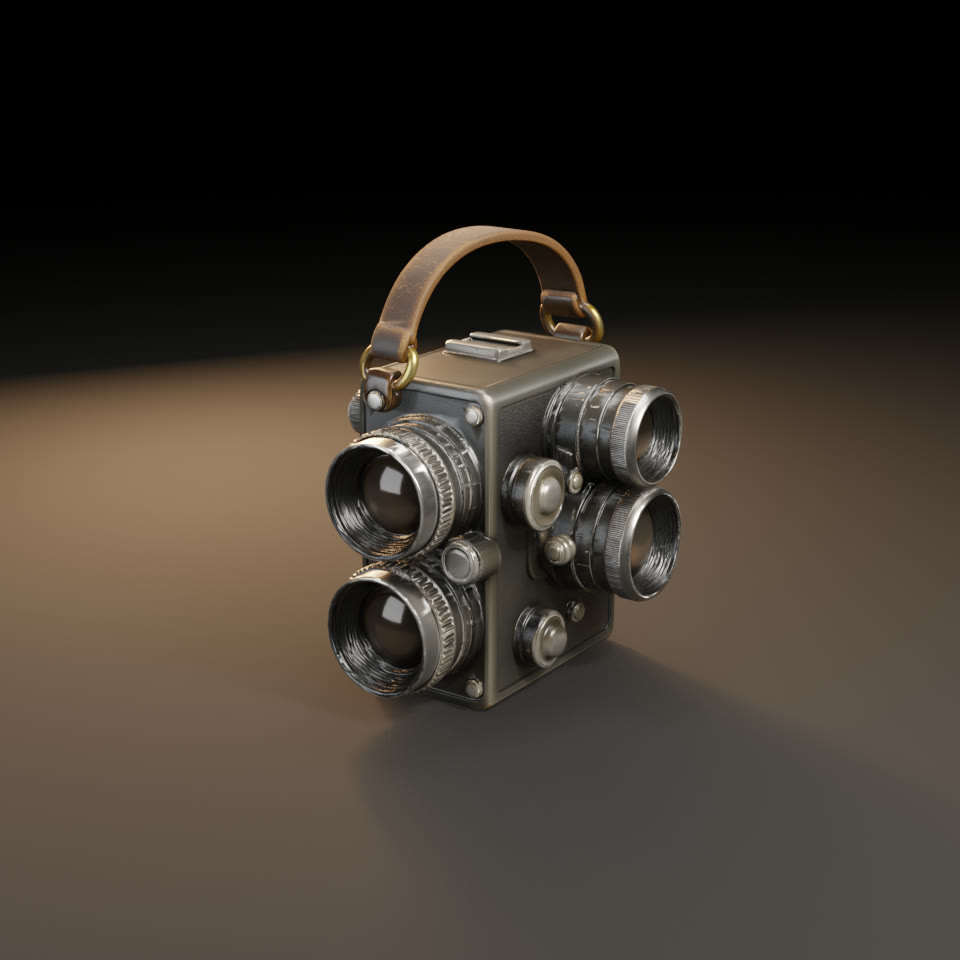
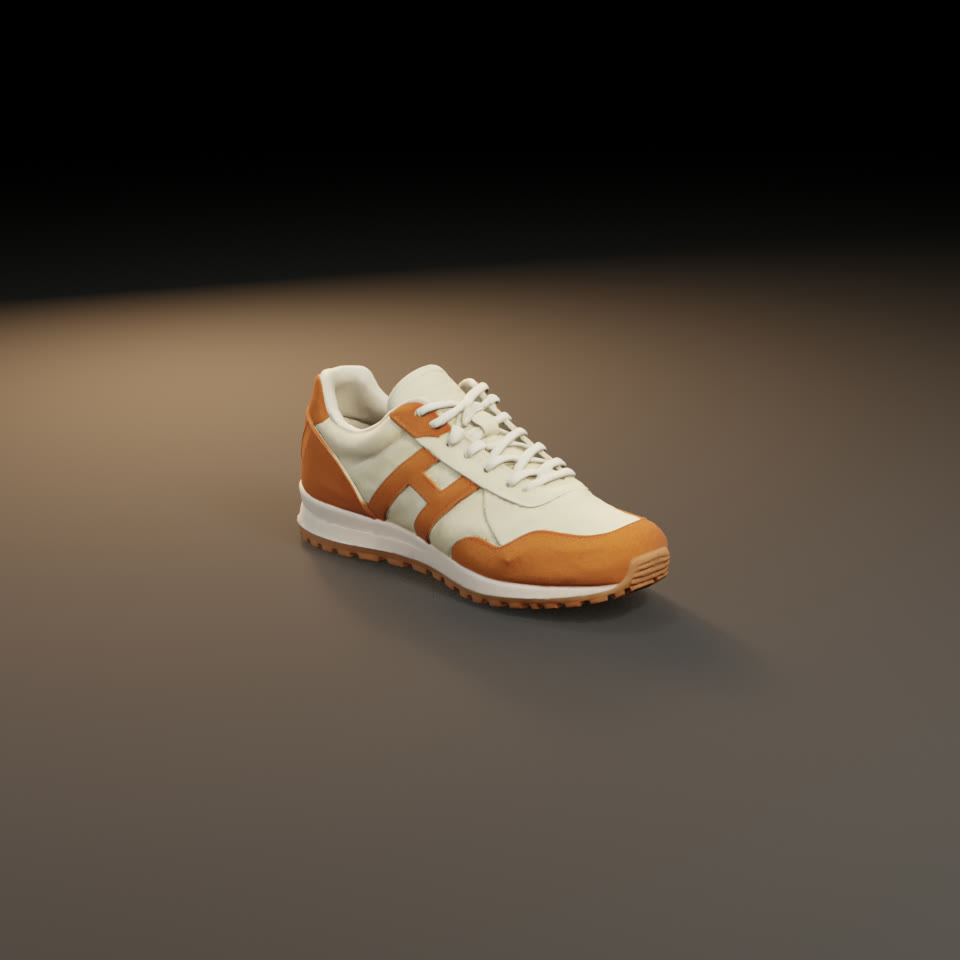
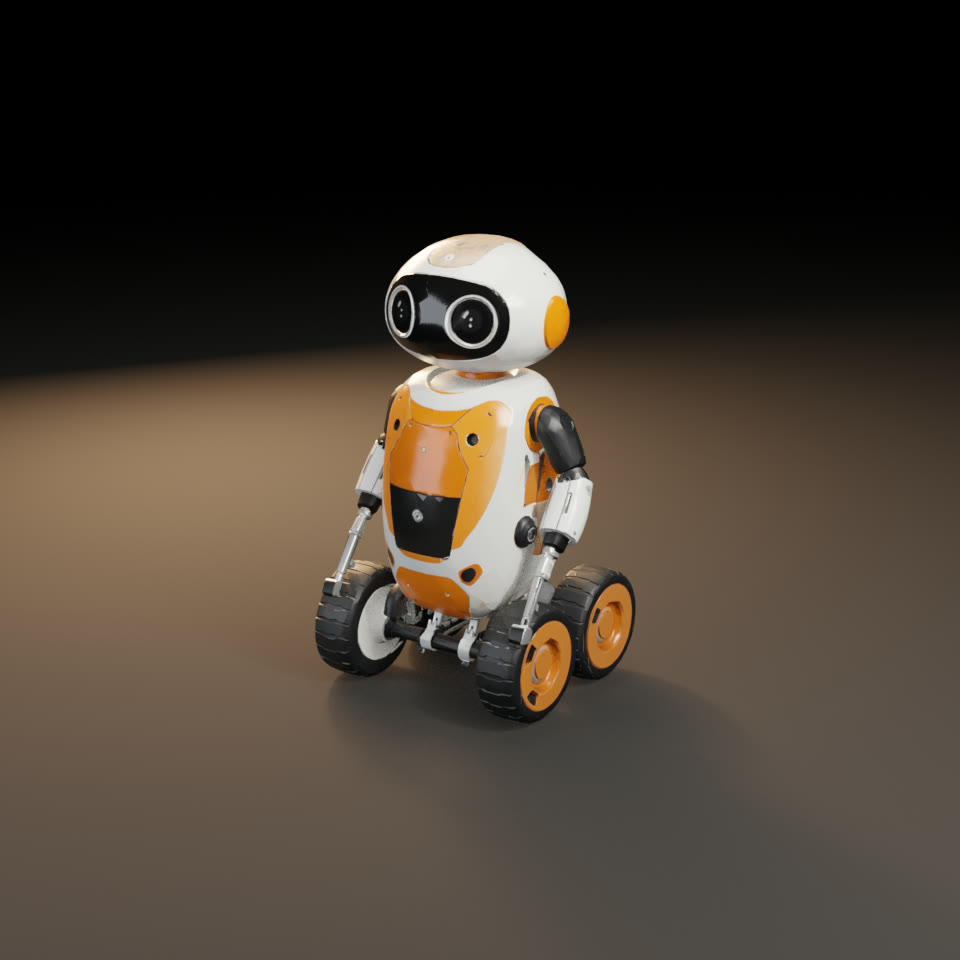
생성할 때마다 얻는 것.
Text or one image
Describe the object, or start from a still you already approved, and get a mesh with its textures.
Look before you download
Every 3D take opens in a viewer in your library: turn it, zoom in, check the back.
Files that open anywhere
A GLB with PBR materials, plus a ZIP with the files the provider returned.
이것들부터 시작하세요. Solo 요금제 기준 가격입니다.
세 단계.
- 01
Pick the model
Detailed models such as Hunyuan3D and Tripo H3.1, or low-poly game assets with Tripo P1.
- 02
Describe or upload
Write what the object is made of and how it looks, or add one clean image of it.
- 03
Turn it, then use it
Check it in the viewer, then download the GLB for Blender, Unity, Unreal or the web.
- 생성할 때마다 실행 전 정확한 가격
- 파일이 도착하지 않으면 환불
- 확정 상한이 있는 프로젝트
- Claude Code, Codex, Cursor와 함께 사용 가능
질문
Which file formats do I get?
A GLB with its textures embedded, which opens in Blender, Unity, Unreal and on the web, plus a ZIP with the files the provider returned.
How is a 3D model priced?
Each 3D model is priced from its exact inputs, such as textures or the face count, and the quote is shown before it runs. Nothing is charged when no file lands.
Can my agent run this?
Yes. Connect Claude Code, Codex or Cursor over MCP, or call the API. Your agent sees the same price, keeps to the same project caps and asks before anything above your threshold.
다음 생성을 실행하기 전에 가격을 확인하세요.
모든 생성은 먼저 정확한 가격을 보여 주고, 프로젝트에 기록되며, 파일이 도착하지 않으면 환불됩니다.