
Your film, shot by shot, on every model.
Use the model that suits each shot: one for motion, one for dialogue, one for the wide. Keep your characters consistent across scenes and see what every take costs before you run it.
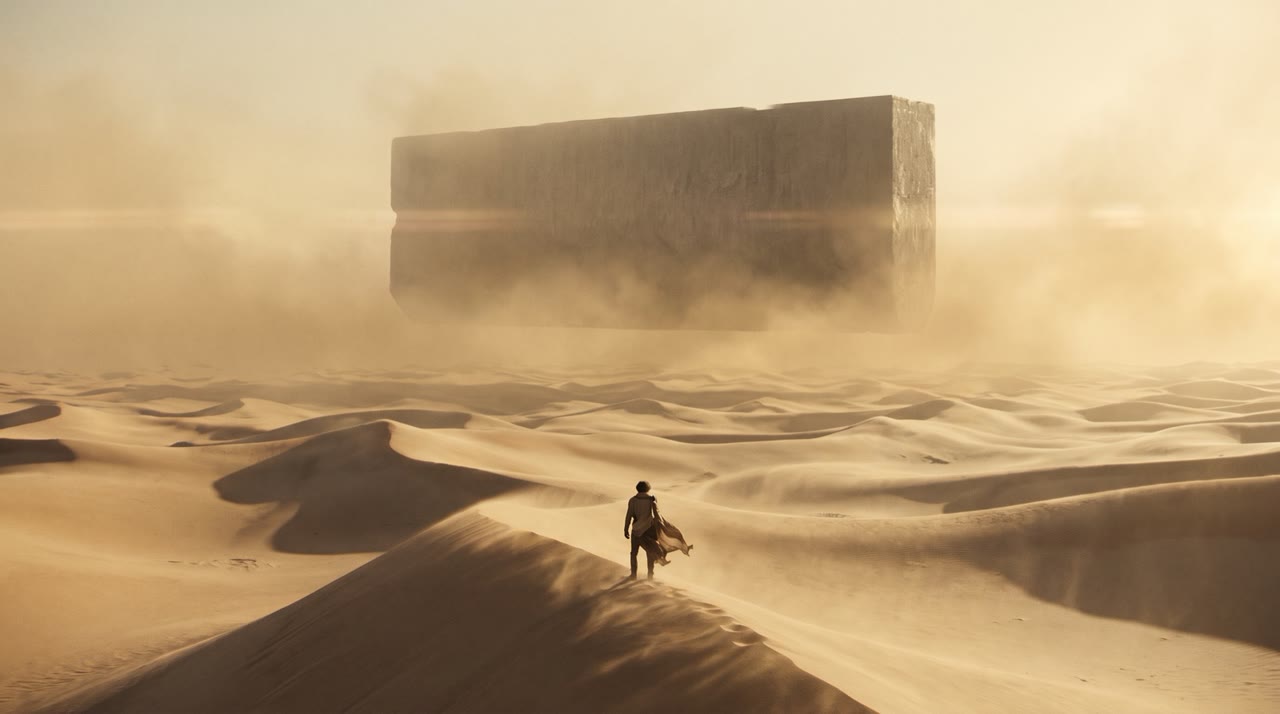
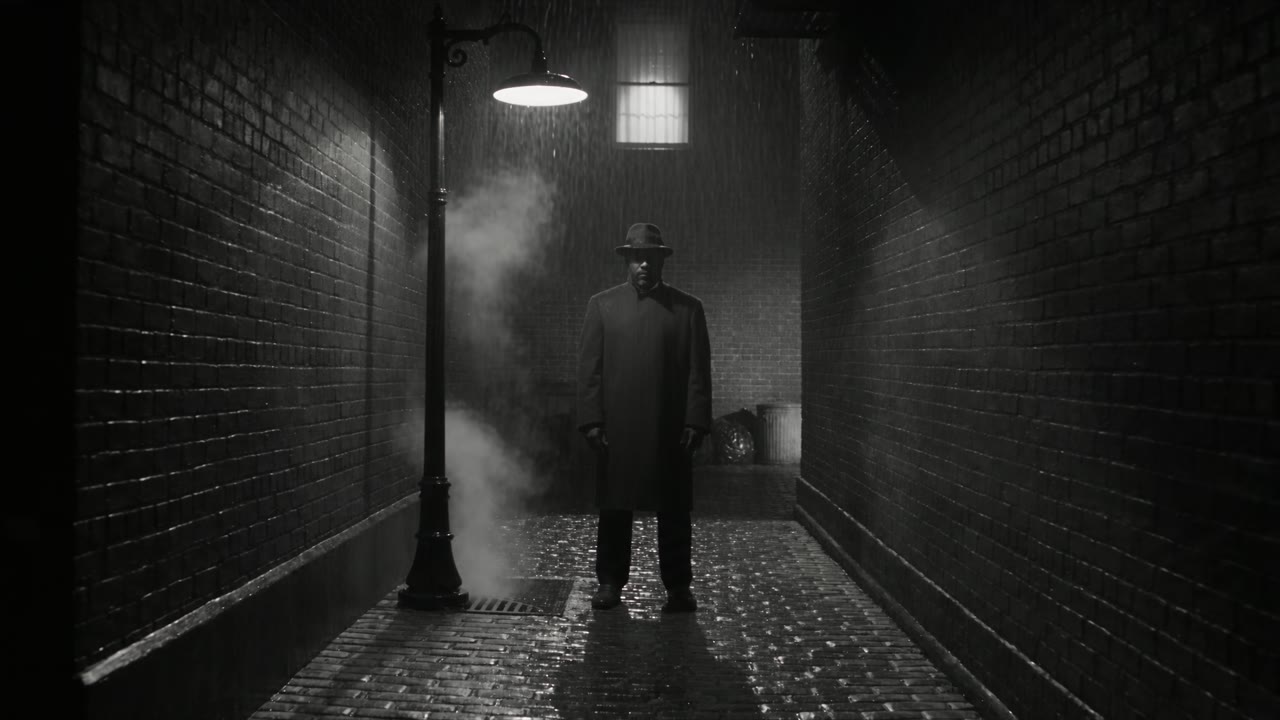
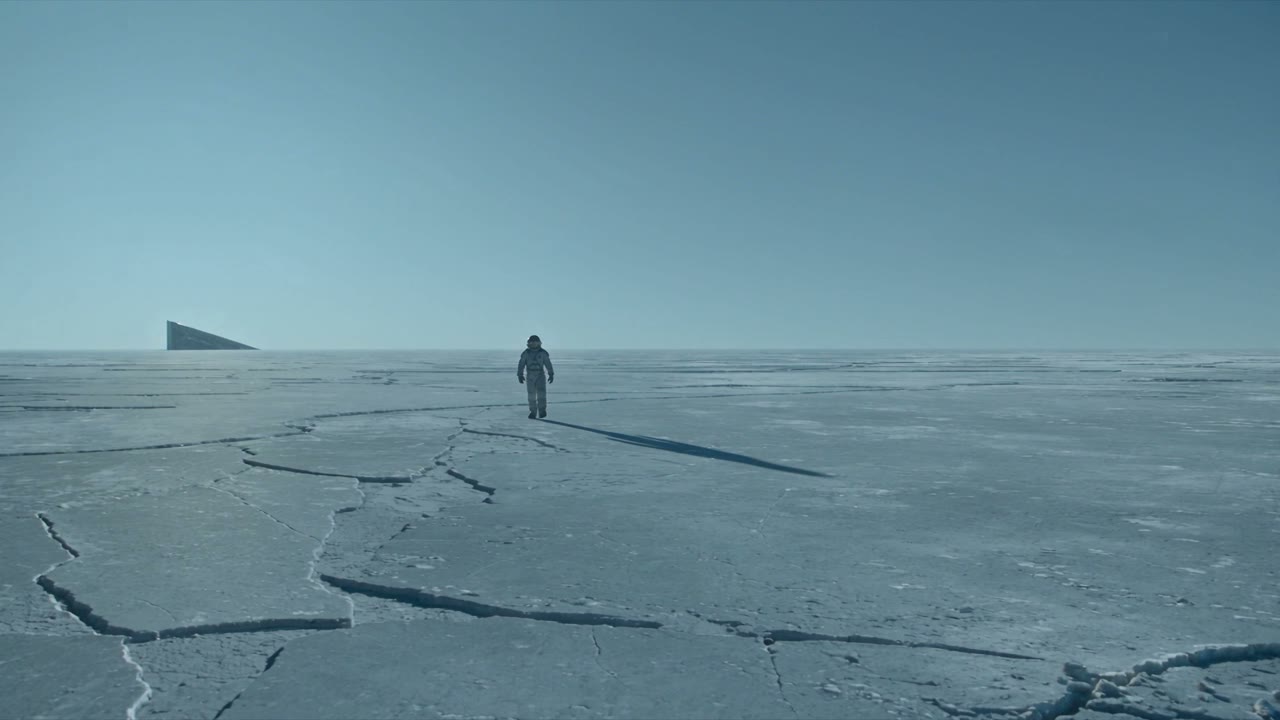
每一次生成都能得到的成果。
Every model per shot
Seedance for motion, Veo for lines with native sound, Kling for steady camera work. Switch per take, not per subscription.
Characters that hold
Save a character as an element and use it as the reference across shots and scenes.
Draft, then finish
Explore cheaply in low resolution, then finish the chosen take in full quality on the same prompt.
A record of every frame
Prompt, model, settings and price stay with each take, so you can rebuild any shot later.
從這些開始,價格以 Solo 方案計算。
The workhorse. Multishot, references, up to 30 seconds.
Characters and products that stay consistent across shots.
Top realism with native dialogue and sound.
Physical motion and action in 2K.
三個步驟。
- 01
Lock your characters
Generate or upload reference stills and save them as elements.
- 02
Shoot the scene
Run each shot on the model that suits it, with your elements as references.
- 03
Finish and export
Finish the approved takes and download them with the take ID in the file name for the edit.
- 每次生成前都有確切價格
- 若沒有產出檔案則退款
- 設有硬性上限的專案
- 支援 Claude Code、Codex 與 Cursor
常見問題
Which AI video model should I use for a shot?
It depends on the shot. Each model page lists what it does well, its samples and its current price per second.
Do I see the price before a take runs?
Yes. Every take shows its exact price next to the button, on the best-value route for that model and setting. Nothing is charged when no file lands.
Can my agent run this?
Yes. Connect Claude Code, Codex or Cursor over MCP, or call the API. Your agent sees the same price, keeps to the same project caps and asks before anything above your threshold.
執行下一次生成前,先確認價格。
每次生成都會先顯示確切價格,歸入專案,若沒有產出檔案則予以退款。